
Introduction
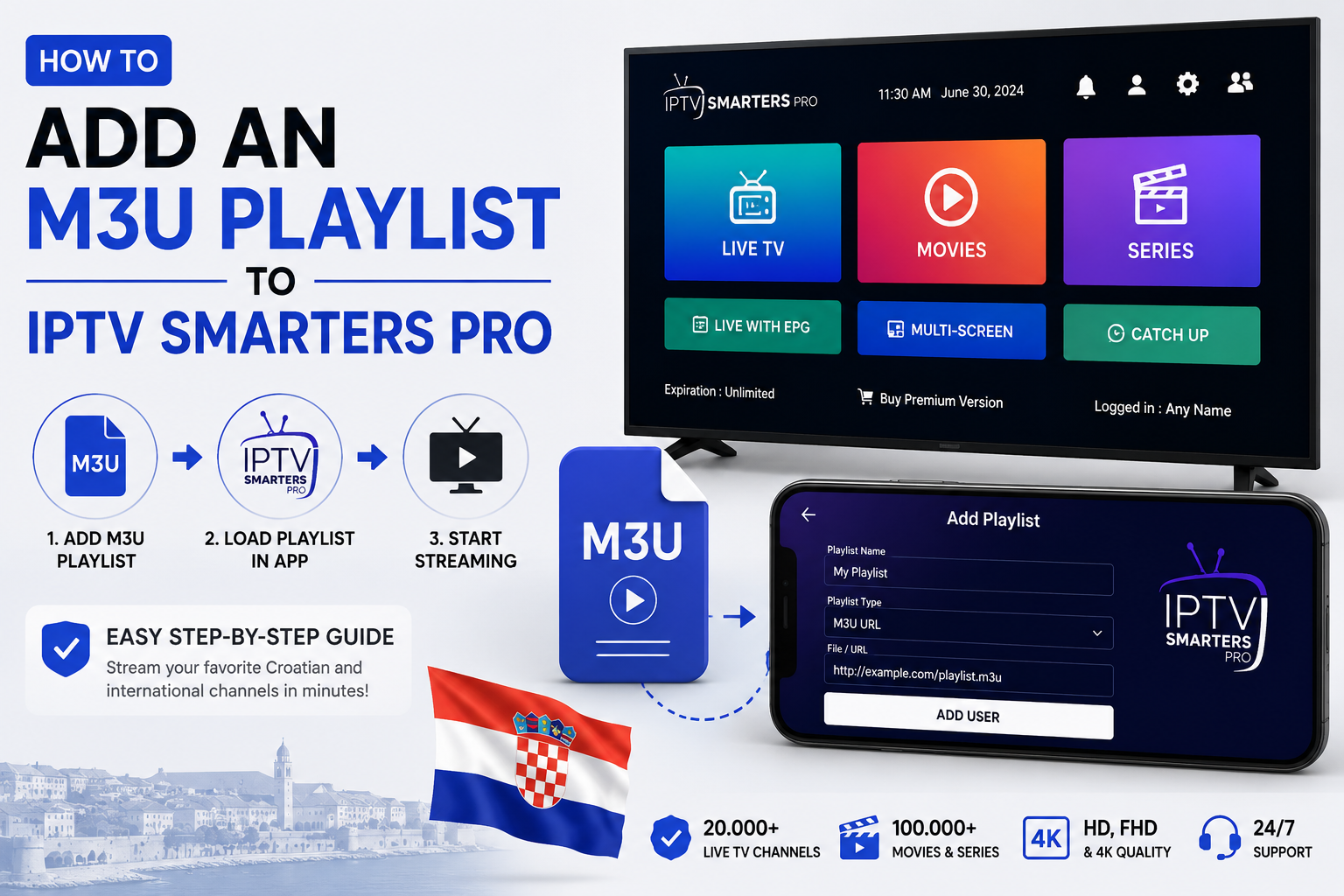
If you just subscribed to an IPTV service and your provider gave you a username, password, and server URL — then you need to use the Xtream Codes API login method on IPTV Smarters Pro.
This is actually the easiest and most reliable way to set up IPTV Smarters Pro in 2026. Unlike M3U playlists, Xtream Codes gives you a more stable connection, automatic updates, and better channel organization.
In this complete step-by-step guide, we’ll show you exactly how to login with Xtream Codes API on IPTV Smarters Pro — works on all devices!
What is Xtream Codes API?
Xtream Codes API is a login method used by most professional IPTV providers. Instead of a long M3U URL, your provider gives you:
- 🖥️ Server URL — example: http://yourprovider.com:8080
- 👤 Username — your unique login name
- 🔑 Password — your secret password
These 3 details are all you need to login with Xtream Codes API on IPTV Smarters Pro and access all your channels instantly.
Why Use Xtream Codes API Instead of M3U?
| Feature | Xtream Codes API | M3U Playlist |
|---|---|---|
| Stability | ✅ Very stable | ⚠️ Can expire |
| Auto channel updates | ✅ Automatic | ❌ Manual |
| EPG (TV Guide) | ✅ Built-in | ⚠️ Sometimes |
| Easy setup | ✅ Very easy | ✅ Easy |
| Recommended for | ✅ Everyone | Beginners |
What Devices Support IPTV Smarters Pro?
Before we start, IPTV Smarters Pro works on:
- ✅ Android smartphones & tablets
- ✅ iPhone & iPad
- ✅ Amazon Firestick & Fire TV
- ✅ Android Smart TV
- ✅ Windows PC & Mac
How to Login with Xtream Codes API on IPTV Smarters Pro — Step by Step
Step 1: Download IPTV Smarters Pro
Download the app on your device:
- Android: Google Play Store → search “IPTV Smarters Pro”
- iPhone/iPad: App Store → search “IPTV Smarters Pro”
- Firestick: Amazon App Store → search “IPTV Smarters Pro”
Install and open the app.
Step 2: Click on “Add User”
When you open the app for the first time, you’ll see the welcome screen. Tap on “Add User” to start the setup.
Step 3: Select “Login with Xtream Codes API”
You’ll see two login options:
- Load your Playlist or File/URL
- Login with Xtream Codes API ← اختار هاد الخيار
Tap on “Login with Xtream Codes API” to continue.
Step 4: Enter Your Xtream Codes Details
Now fill in the following fields carefully:
- Any Name: Write any name you want — example: Nova IPTV
- Server URL: Enter the server URL from your provider — example: http://yourprovider.com:8080
- Username: Enter your username
- Password: Enter your password
Double-check all the details before continuing — one wrong character can prevent login.
Step 5: Tap “Add User” to Connect
Once you’ve filled in all the details, tap “Add User” or “Continue”.
IPTV Smarters Pro will now connect to the server and load all your channels. This usually takes 10 to 30 seconds depending on your internet speed.
Step 6: Browse Your Channels and Start Watching!
Once loaded, you’ll see your content organized into:
- 📺 Live TV — all your live channels
- 🎬 Movies — full VOD library
- 📺 Series — TV shows and series
- 📅 EPG — electronic TV guide
That’s it! You’re now ready to enjoy crystal clear HD streaming. 🎉
Tips for the Best Experience with Xtream Codes API
- ✅ Save your login details somewhere safe — you’ll need them if you reinstall the app
- ✅ Use a stable WiFi connection for buffer-free streaming
- ✅ Enable EPG in settings for a full TV guide experience
- ✅ Update the app regularly to get the latest features
- ✅ Contact your provider immediately if your credentials stop working
Troubleshooting — Xtream Codes API Not Working?
If you can’t login with Xtream Codes API on IPTV Smarters Pro, try these fixes:
1. Double-check your credentials Make sure your Server URL, Username, and Password are entered correctly — no extra spaces.
2. Check your internet connection A weak connection can cause login failures. Try switching between WiFi and mobile data.
3. Check the Server URL format Make sure the URL includes the port number — example: http://yourprovider.com:8080
4. Clear app cache Go to Settings → Apps → IPTV Smarters Pro → Clear Cache, then try again.
5. Reinstall the app A fresh install often fixes login issues.
6. Contact your IPTV provider Your subscription may have expired or your credentials may have changed. Contact support to verify.
Get Your Xtream Codes from Nova IPTV
Looking for a reliable IPTV provider that gives you Xtream Codes API credentials instantly? Nova IPTV is your best choice in 2026!
With Nova IPTV you get:
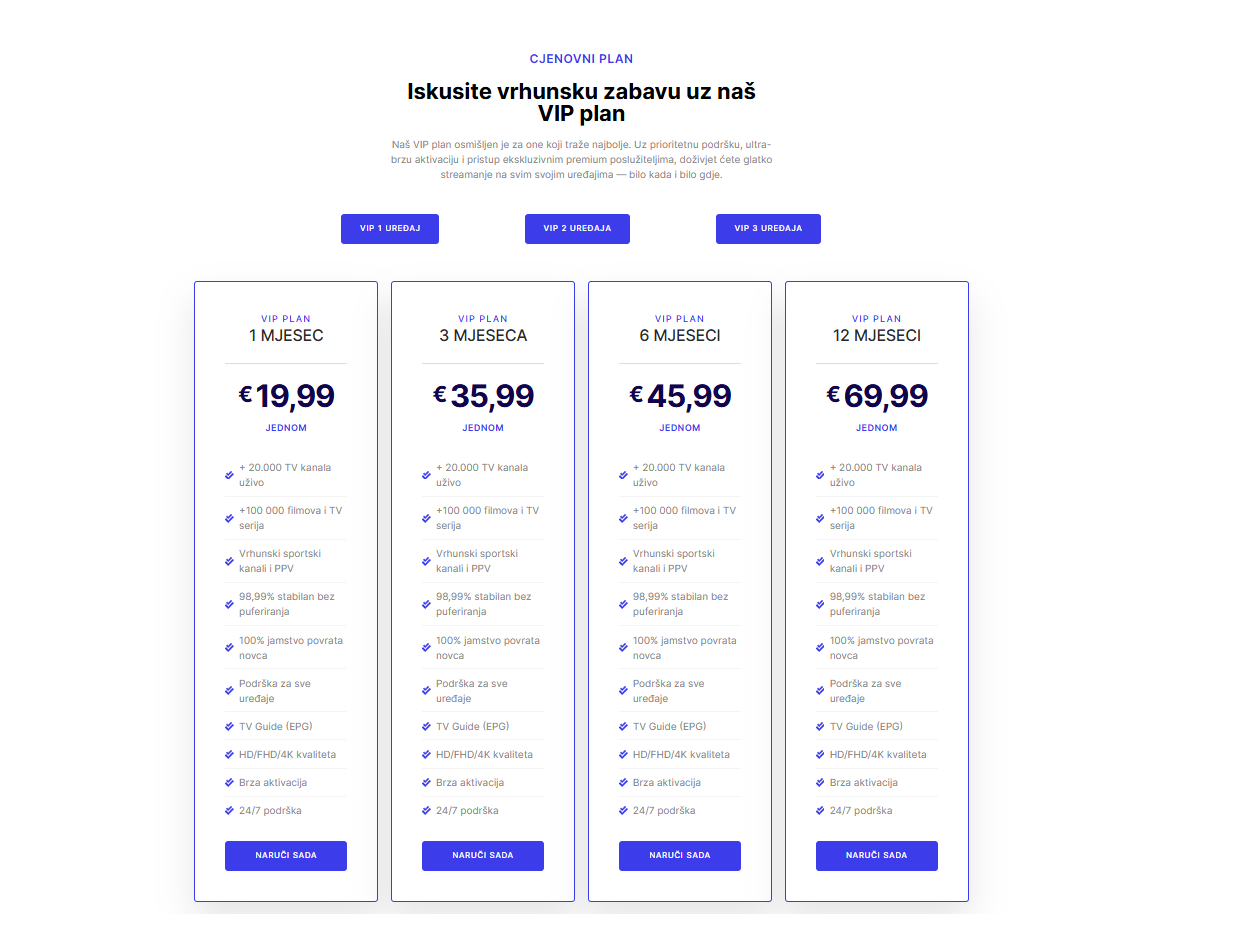
- ✅ Instant Xtream Codes API credentials after payment
- ✅ 10,000+ live channels including Croatian channels
- ✅ Full HD & 4K streaming quality
- ✅ 99.9% uptime — zero buffering
- ✅ Works perfectly with IPTV Smarters Pro
- ✅ 24/7 customer support
👉 Visit nova-iptv.net and get your credentials today!
Conclusion
Logging in with Xtream Codes API on IPTV Smarters Pro is the fastest and most reliable way to set up your IPTV service. With just 3 details — Server URL, Username, and Password — you’re ready to watch thousands of channels in HD quality.
Combine IPTV Smarters Pro with a trusted provider like Nova IPTV and enjoy the ultimate streaming experience in 2026!
👉 Ready to start? Visit nova-iptv.net today! 📺🚀